When I first started blogging, I had a lot of ideas but very little direction. I was writing posts, sharing them on social media, and hoping someone would notice. Living in the USA, where the blogging community is large and competitive, I quickly realized that passion alone wasn’t enough. To grow, I needed the right tools and resources—both free and paid.
Over the past few years, I experimented with many platforms, plugins, and strategies. Some worked wonders, some were complete flops. Through trial and error, I discovered a set of blogging resources that truly improved my blog, helped me gain traffic, and made writing much easier. Here’s my personal experience with them.
1. Planning My Content With Free Tools
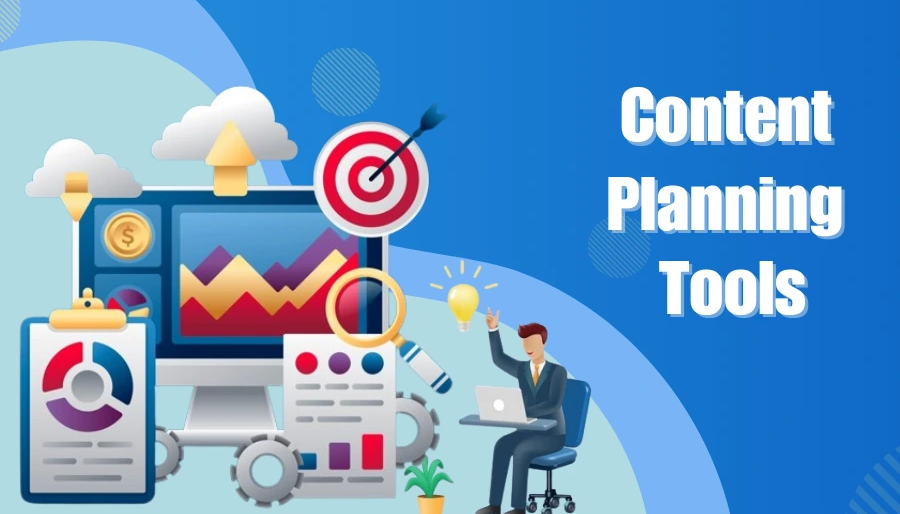
One of the first lessons I learned was that organization is key. Initially, I was writing posts whenever inspiration struck, but that led to irregular posting schedules and chaotic ideas.
I started using Trello, a free project management tool. I created a board for my blog ideas, scheduled posts, and tracked progress. It was simple, free, and very effective.
Another free tool that helped me plan content ideas was Google Trends. By checking trending topics in the USA, I could tailor posts that were relevant and more likely to attract readers.
Using these free tools gave me structure without spending a dime. My writing felt more purposeful, and I could see my content calendar growing in an organized way.
2. Writing and Editing With Free and Paid Resources

Writing quality content is the heart of blogging. For grammar and readability, I started using Grammarly. The free version caught most mistakes, but upgrading to the premium version helped me polish my writing even further. I could check sentence clarity, tone, and even detect plagiarism.
Another resource I found invaluable was Hemingway Editor. It’s free and helps make writing simple and readable—a huge plus for my readers. I realized that clarity matters more than fancy words, especially for a broad audience in the USA.
Investing in Canva Pro for blog graphics and featured images also improved my blog’s appearance. While the free Canva is good, the paid version unlocked templates, stock images, and design elements that made my posts look professional. Visuals are often the first thing a reader notices, and this small investment made my blog look trustworthy and polished.
3. SEO Tools: Free and Paid
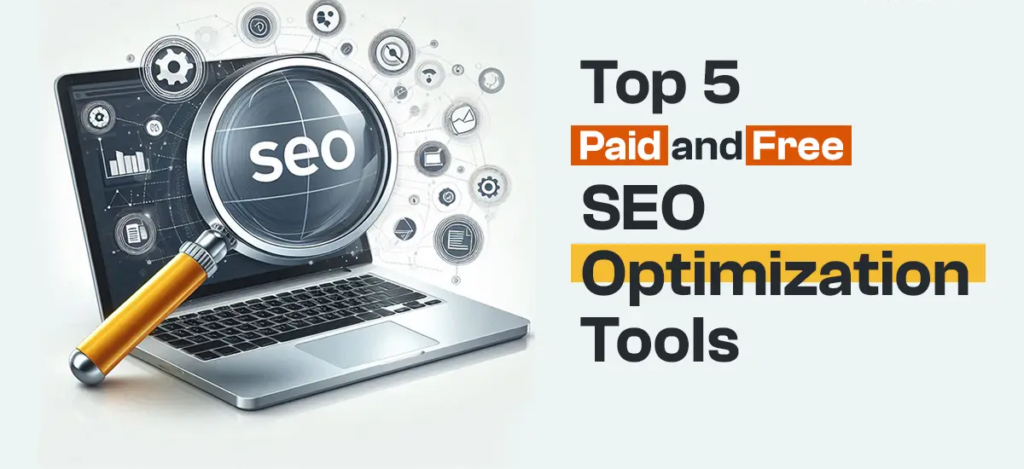
Traffic growth was a challenge in the beginning. I knew writing good content was not enough—I had to make my posts discoverable.
I started with Yoast SEO, a free WordPress plugin. It guided me on keyword placement, readability, and meta descriptions. Even without a paid SEO course, this plugin taught me the basics of SEO in real-time.
Later, I invested in SEMrush, a paid SEO tool. The investment felt steep at first, but the data it provided was priceless. I could analyze competitors, find trending keywords, track backlinks, and optimize my content for better ranking. Using SEMrush, I saw a noticeable increase in my blog traffic over a few months.
4. Social Media Scheduling Tools

Sharing blog posts on social media is essential. Initially, I was posting manually, which was time-consuming and inconsistent.
I discovered Buffer (free plan) and later Hootsuite (paid version) for scheduling posts. This allowed me to maintain a regular posting schedule across platforms like Instagram, Twitter, and Pinterest. It saved me hours and helped me reach a wider audience consistently.
5. Analytics: Learning From Free and Paid Insights

Understanding your audience is crucial. I started with Google Analytics, a free tool, to track traffic, page views, and user behavior. It helped me identify which posts performed well and which topics my audience loved.
Eventually, I added Hotjar, a paid tool that visually showed how readers interacted with my blog. Seeing heatmaps and scroll patterns helped me design better layouts and improve user experience. These insights allowed me to make informed decisions rather than guessing what works.
6. Email Marketing: Free to Paid Growth

I quickly realized that building an email list is essential for long-term growth. I started with Mailchimp’s free plan to send basic newsletters. Even the free version allowed me to stay connected with my readers and keep them updated.
When my subscriber list grew, I upgraded to ConvertKit, a paid email marketing platform. The automation features, customizable templates, and analytics helped me increase engagement and turn casual readers into loyal followers. This investment helped me create a more personal connection with my audience.
7. Learning and Courses

Besides tools, I invested in online blogging courses from platforms like Skillshare and Udemy. Some were free, and some paid. They taught me about content strategy, SEO, monetization, and audience building. Applying these lessons gradually improved my blog performance in ways I hadn’t imagined.
One free resource that helped me a lot was HubSpot’s free blogging courses, which provided step-by-step guidance on blogging strategy, content planning, and writing for SEO.
Final Thoughts
Looking back, the combination of free and paid blogging resources made all the difference. Free tools gave me structure, initial growth, and learning opportunities. Paid resources were the next step—they saved time, provided professional-grade features, and helped me scale my blog.
The key lesson I learned is: you don’t need to invest in everything at once. Start with free resources, learn your workflow, and gradually invest in paid tools that truly add value.
Blogging in the USA is competitive, but with the right resources and consistent effort, anyone can improve their blog, grow an audience, and create content that matters.
This blog is based on my personal blogging experience and is shared for informational purposes only. The tools and resources mentioned may work differently for different bloggers depending on goals, niche, and effort. Prices, features, and availability of tools may change over time. This content is not professional or technical advice; please research and choose resources according to your own blogging needs.
#BloggingResources #BloggingTips #BlogGrowth #BloggingJourney #ContentCreatorLife #BloggingTools #SEOforBloggers #GrowYourBlog #BloggerLife #DigitalCreator #BloggingInUSA #ContentWriting #OnlineBusinessTips #BlogStrategy #BlogSuccess #Carrerbook #Anslation