
When you start a website, the most intimidating part is usually not the content or design — it’s the technical dashboard behind it. I still remember the first time I logged into a hosting control panel. Too many options, unfamiliar terms, and the constant fear of clicking something wrong. That’s exactly where hPanel-style control panels make a real difference.
This blog is written from a real, non-technical user’s point of view, focusing on how hPanel helps manage a website without stress, confusion, or coding knowledge.
What Is hPanel and Why It Feels Less Stressful
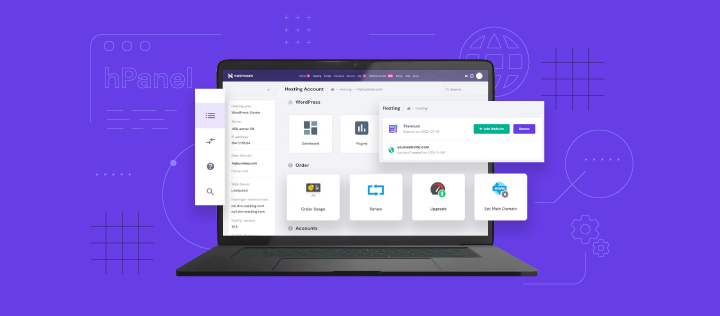
hPanel is a modern website control panel designed to simplify hosting-related tasks. Instead of overwhelming users with complex server language, it presents everything in a clean, easy-to-understand layout.
What makes it stress-free is not just the design, but the logic. Everything is categorized clearly — websites, domains, emails, files, databases, security — so you don’t feel lost.
From day one, it feels like the panel is guiding you instead of testing you.
Managing Your Website from One Simple Dashboard
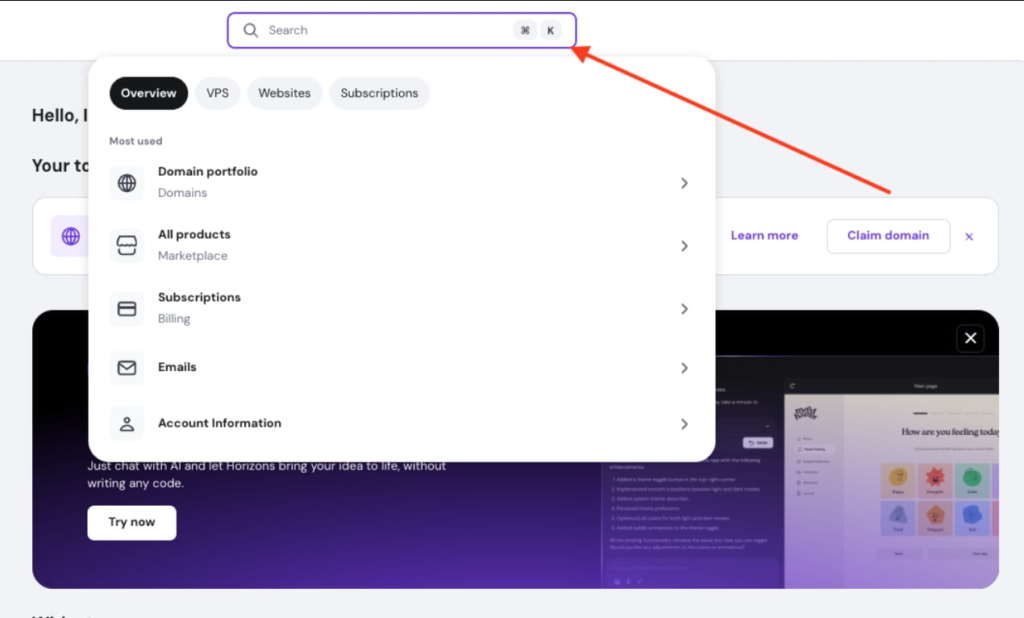
The moment you log into hPanel, you see a central dashboard where all important options are available. You don’t need to jump between different tools or memorize technical paths.
From here, you can:
- Add or manage websites
- Connect domains
- Access files
- Control email accounts
- Check performance and backups
This “everything-in-one-place” approach removes a lot of mental load, especially for beginners.
Website Setup Without Technical Knowledge
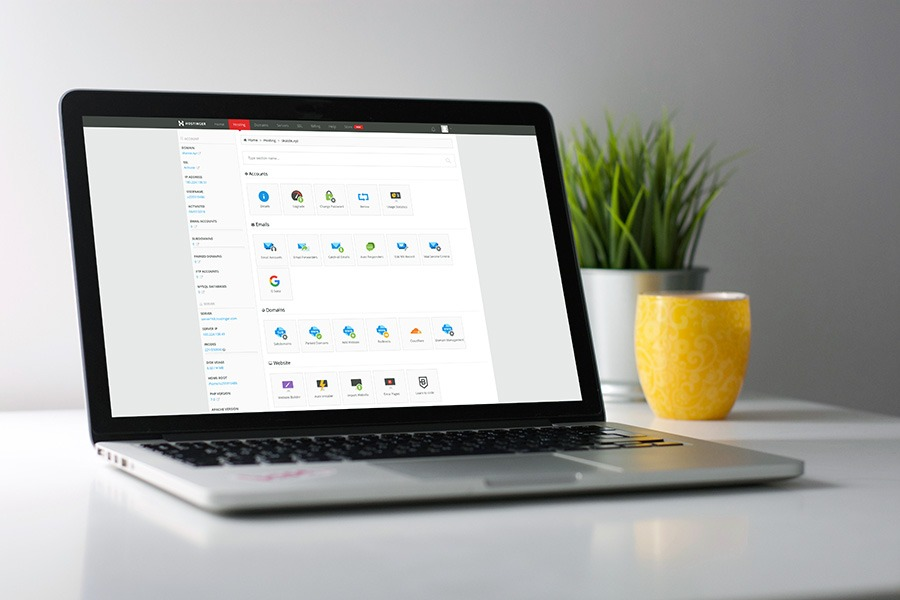
One of the biggest stress points for new website owners is setup. With hPanel, setting up a website feels almost guided.
You can:
- Create a new website with just a few clicks
- Install content management systems easily
- Manage basic site settings without touching code
You don’t need to understand servers, hosting terms, or backend processes. The panel handles that quietly in the background.
File Management Made Simple
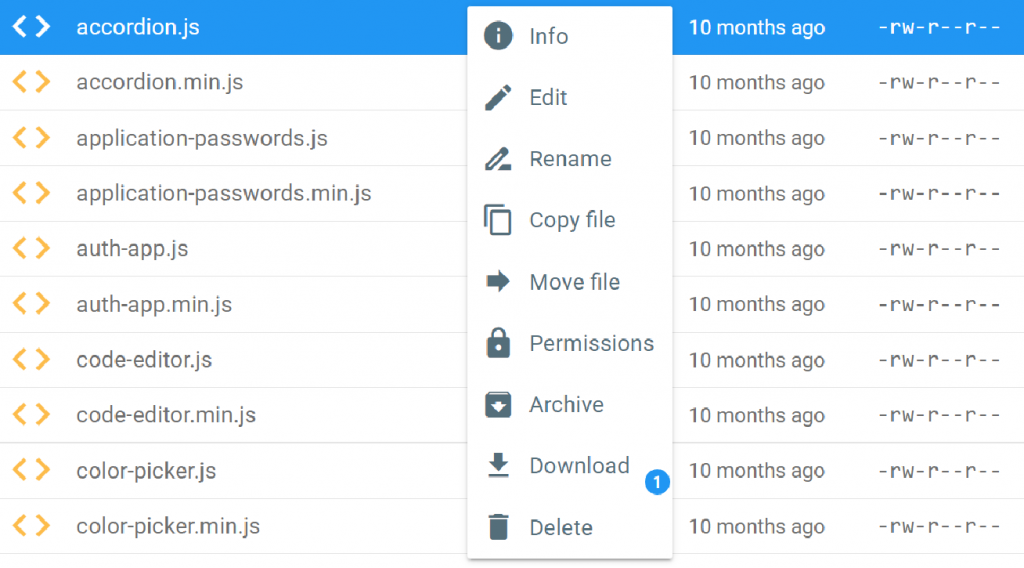
File management often sounds scary, but hPanel simplifies it with a built-in file manager. Instead of using complicated software, you can upload, edit, or delete files directly from your browser.
From personal experience, this feature is extremely helpful when:
- Uploading images or files manually
- Making small edits
- Fixing minor issues without developer help
Everything is visual and straightforward, which removes the fear of breaking something.
Domain and DNS Settings Without Confusion
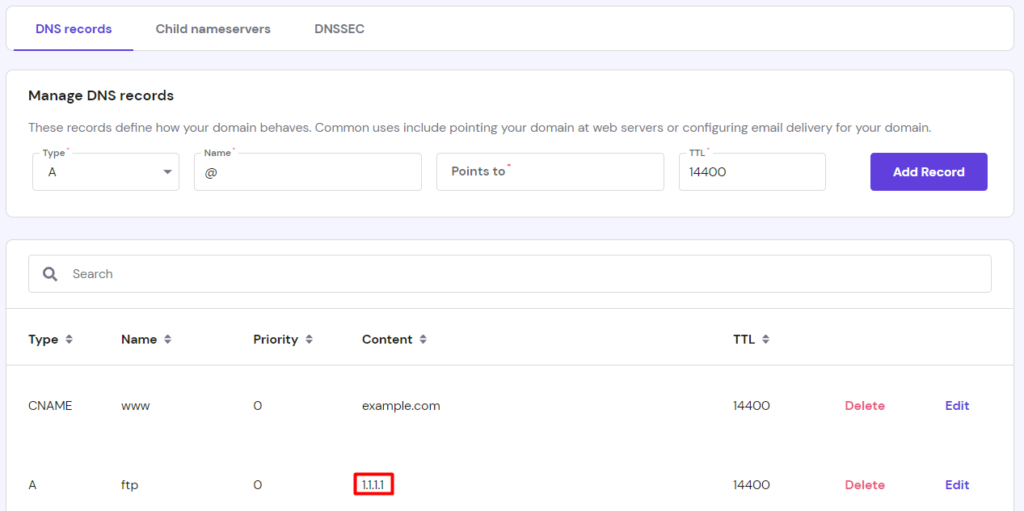
Domains and DNS settings are usually where stress peaks. hPanel organizes these settings in a way that makes sense even if you’ve never touched DNS before.
You can:
- Connect an existing domain
- Change nameservers
- Add or edit DNS records
The panel labels each option clearly, so you’re not guessing what something does. This clarity alone saves hours of anxiety.
Email Management That Feels Professional but Easy
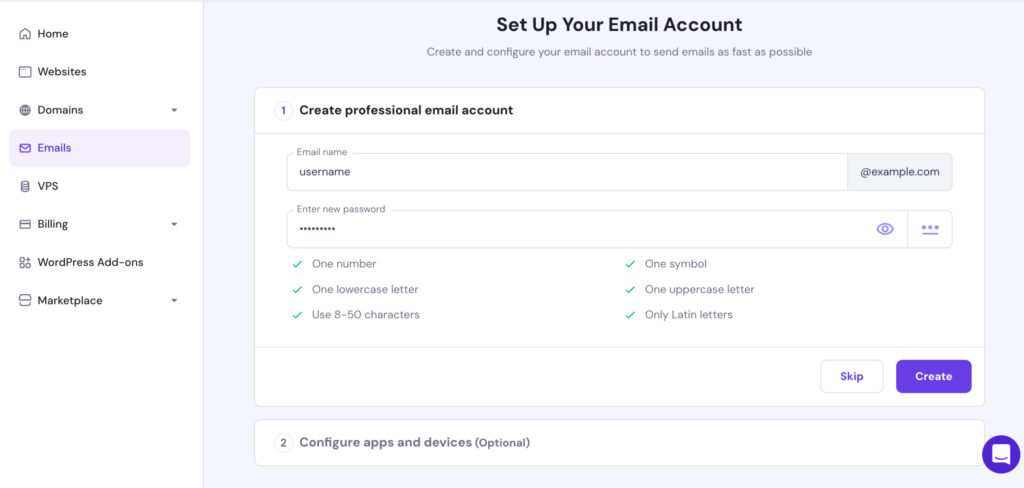
Creating professional email accounts often sounds complicated, but hPanel makes it surprisingly simple.
You can:
- Create custom email addresses
- Access webmail
- Set up forwarding
- Manage storage limits
Everything is controlled from one section, making it perfect for bloggers, freelancers, and small business owners who want a professional presence without tech headaches.
WordPress and Website Tools Without Extra Effort
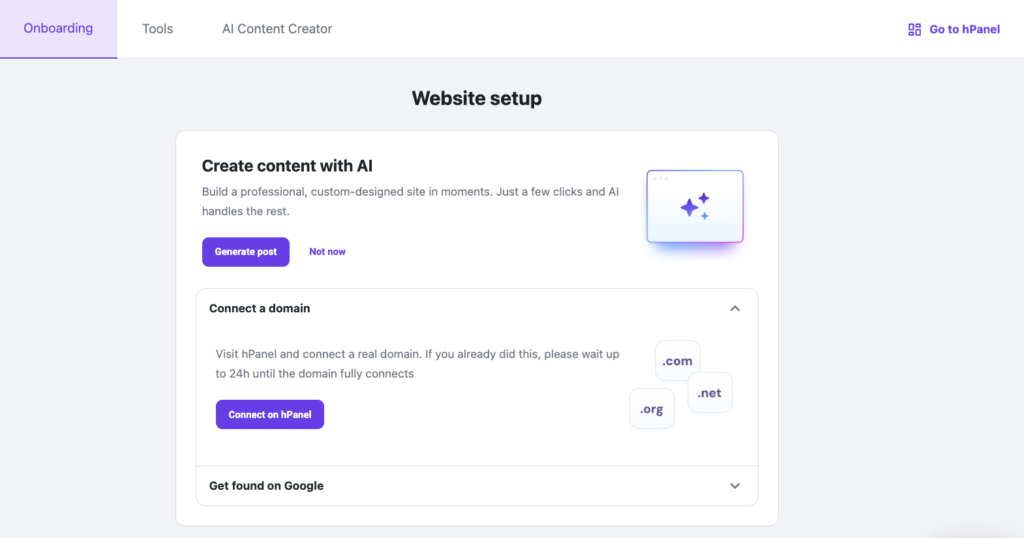
If you’re using WordPress, hPanel-style panels make life much easier. You don’t need to install or update things manually.
You can manage:
- One-click installations
- Automatic updates
- Secure logins
- Basic performance settings
This saves time and removes the stress of maintenance, allowing you to focus on content instead of technical upkeep.
Security and Backups Without Fear
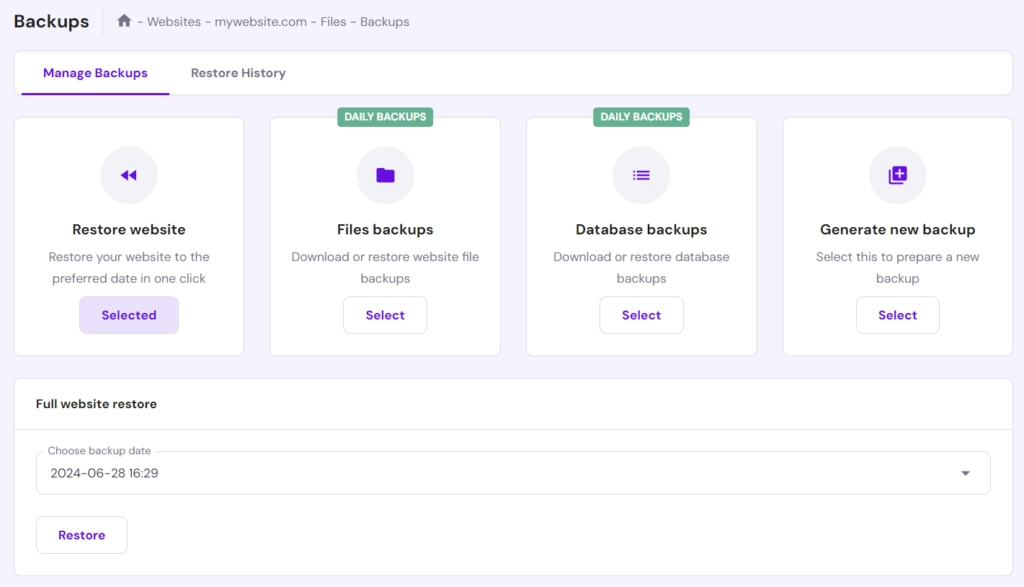
Website security is a silent stress for many beginners. hPanel reduces this by making essential protections easy to access.
From the dashboard, you can:
- Activate SSL certificates
- Enable backups
- Restore your website with one click
Knowing that your website can be restored if something goes wrong gives a lot of peace of mind.
Why hPanel Is Ideal for Non-Technical Users
The biggest strength of hPanel is that it respects the user’s time and mental space. It doesn’t assume you’re a developer. It’s built for people who want results, not technical lessons.
From personal use and observation, hPanel works best for:
- New bloggers
- Small business owners
- Freelancers
- Anyone managing a website alone
It turns website management into a routine task instead of a stressful responsibility.
Final Thought
Managing a website doesn’t have to feel overwhelming. A well-designed control panel like hPanel proves that technology can be user-friendly without losing functionality. If you’re someone who wants to run a website smoothly without constantly worrying about technical details, hPanel makes that possible. Less stress, fewer mistakes, and more confidence — that’s what modern website management should feel like.
- Latest Google Algorithm Updates: What SEO Needs to Know

- Ultimate Guide to SaaS Monetization and Recurring Revenue

- Affiliate Marketing Guide: Proven Strategies to Earn More Online

This blog is based on personal experience and general observations. Features and interface may vary depending on hosting setup and updates. This content is for informational purposes only and is not affiliated with or sponsored by any company.
#hPanel #WebsiteManagement #BeginnerFriendlyTech #BloggingTools #NonTechnicalUsers #WebHostingBasics #StressFreeWebsite #DigitalBeginners #Carrerbook #Anslation